Offline document workspace
Your documents.
Converted locally.
Convert, compress and edit PDFs, Office files, images and videos in one private Windows app. Everything stays on your PC.
The problem
Free online tools solved one problem
and created another.
They made conversion easy — by asking for your file first. Every upload is a copy of your document sitting on a server you don't control.
Typical online converter
- Uploads your document before doing anything
- Free tier caps file size and page count
- An account, ads or a queue before you get results
- Your file's fate after conversion is out of your hands
Podalls Convert
- Opening, reading and editing PDFs and e-books
- Converting documents to and from PDF
- Recognising text in scans, with Windows’ own OCR
- Compressing, merging and splitting
- Converting pictures and icons
- Converting and compressing videos, and saving their sound
- Saving results to your folders
- No uploading, ever
- No account or sign-in
One workspace
One workspace.
From first open to final file.
Use one app to clear the bottleneck. Podalls Convert handles reading, editing, converting and organising, so nothing leaves your PC.
Read
Read PDFs and EPUB, FB2, TXT and HTML e-books. Use a two-page PDF layout, customise e-book type and colours, and return to your reading position.
Learn moreEvery one of these runs on your own PC — the read, edit, convert and organise steps share one file, one queue and one privacy boundary. See it running
The workspace
One app.
Every document day.
Explore the real interface with sample files. Your documents are never uploaded here.
Interactive product preview
Swipe across the desktop preview to explore the workspace.
 PodallsConvert·Tools
Tools
Everything Podalls Convert can do, on this PC and nowhere else.
Interactive preview · sample documents
Benchmarks
Built in Rust.
It shows.
Cloud converters spend time moving your file back and forth before they even start working. Podalls Convert runs locally, in Rust — conversion begins the instant you pick a file.
Pick a job
RUST Native code on your PC — not a script queued on someone else's server.
Based on a 6 MB file over a 10 Mbps upload connection, a typical home line. Local timing is Podalls Convert's own — there is no upload step to wait on.
LATEST RELEASE
New in v0.2.1
The latest improvements, directly from the app’s release notes.
Read release notes- Videos saved with Podalls Downloader can be sent straight to Podalls Convert with its Convert button.
- The Video dialog is tidier: formats are chosen from one row, and the Convert button stays in view in a small window.
A few useful answers
Know what to expect.
Have a different question? Talk to the Podalls team.
System requirements
- System
- Windows 11, 64-bit Intel or AMD
- Account
- Not needed
- Internet
- Only to check for and download updates
- Office app
- Only for documents, spreadsheets and slides to PDF: Microsoft Office, WPS Office or the free LibreOffice
- HEIC, AVIF and RAW photos
- The matching free image extension from the Microsoft Store, such as HEIF Image Extensions
- Scanned PDFs
- Recognise scanned text locally, create searchable PDFs, or read scans while converting to Word, Excel or EPUB. Requires an installed Windows OCR language. Recognition runs on your PC; results depend on scan quality.
Is Podalls Convert free to use?
Yes. The current app is free for personal and commercial use, with no account or subscription required. The terms of use explain the licence and its limitations.
Do my documents ever leave my computer?
No. Reading, editing, converting, text recognition, compressing, merging, splitting, picture and video conversion all happen on your PC. The app can connect to check for and download updates, but your documents are not uploaded.
Which versions of Windows are supported?
Podalls Convert is built for Windows 11 on 64-bit Intel and AMD PCs. Download the installer, follow the setup steps, and open your first document.
Do I need Microsoft Office installed?
No. Reading and editing PDFs, converting PDFs to Word, Excel or EPUB, and turning Word documents (.docx, .docm, .dotx and .dotm) into EPUB all work without any office app. To turn documents, spreadsheets or presentations into PDF, Podalls Convert uses whichever office app you have: Microsoft Office, WPS Office or the free LibreOffice. You can pick one in Settings.
Can I edit a PDF?
Yes. The Editor changes or deletes existing text, moves, resizes or deletes pictures and drawings, and adds text, pictures, freehand ink, highlights, shapes, arrows and whiteout, with undo and redo. Text is changed piece by piece, so surrounding paragraphs do not reflow. Save over the file, or save a copy to keep the original.
Can I convert scanned PDFs?
Recognise scanned text locally, create searchable PDFs, or read scans while converting to Word, Excel or EPUB. Requires an installed Windows OCR language. Recognition runs on your PC; results depend on scan quality.
Will the converted file look exactly like my PDF?
Results depend on the original document. Text-based PDFs work best; complex layouts and tables without visible borders may need a little cleanup. Always review the converted document before sharing it.
Which e-books can I read?
Read PDFs and EPUB, FB2, TXT and HTML e-books. Use a two-page PDF layout, customise e-book type and colours, and return to your reading position. Reading support does not imply conversion between e-book formats.
SUPPORT THE PROJECT
Keep it independent.
And signed.
Podalls Convert is free and stays that way. If it saved you a trip to an upload-and-wait web tool, a small donation helps keep it going.
- A code-signing certificate So Windows stops showing the unknown-publisher warning on install.
- Hosting and updates This website, release checks and the update channel the app already uses.
- Continued development New tools, bug fixes and support for the Windows versions people actually run.
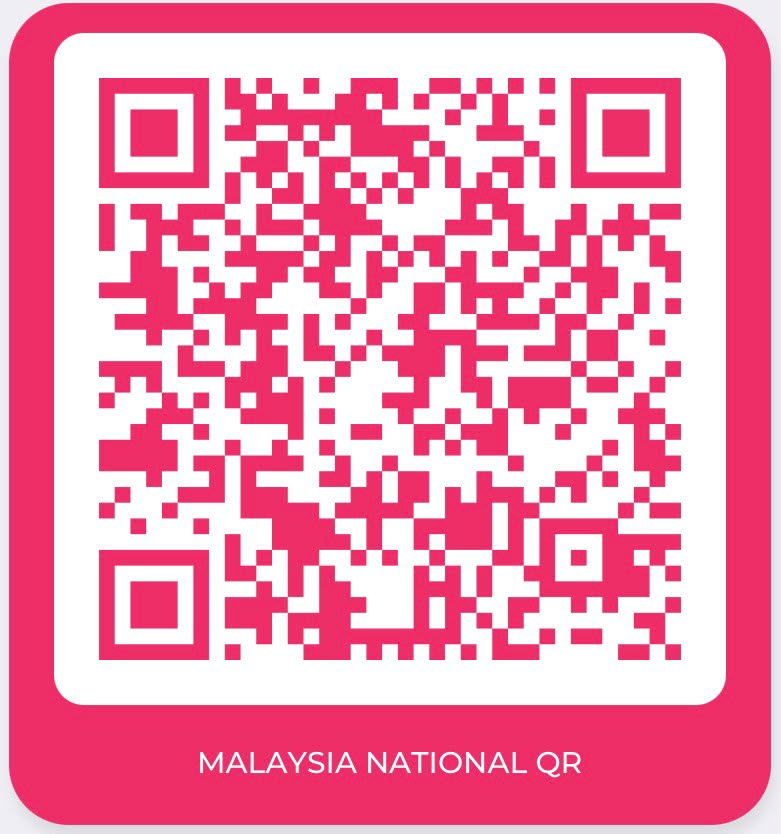
Optional and non-refundable. Donating changes nothing about your licence or support — the app stays free for personal and commercial use either way.
YOUR NEXT DOCUMENT STARTS HERE
Make room for
better document work.
Get Podalls Convert for Windows. Read, edit, convert and organise your files in one local workspace.
Before you download
- Version
- 0.2.1
- Platform
- Windows 11 · 64-bit
- Cost
- Free for personal & commercial use
- Account
- Not required
Current installer: unsigned. Windows may show an unknown-publisher warning. Review the release checksum and your organisation’s policy before installing.